Disk Analyzer
A lightning-fast, native Windows storage analyzer available in three powerful formats. Choose the integration that best fits your workflow.
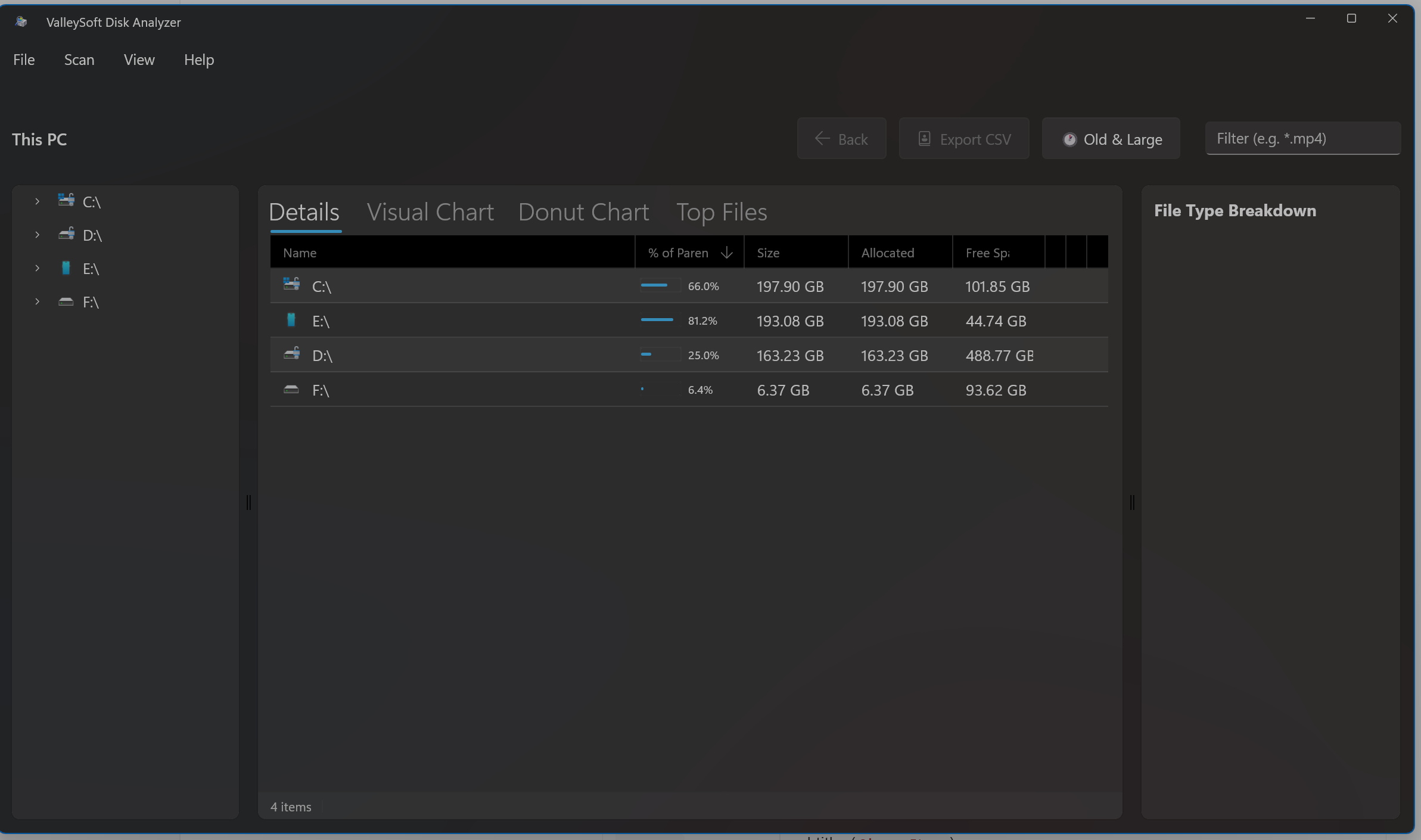
Dedicated Window. Total Control.
The Standalone App gives you the maximum amount of screen real estate to analyze your drives. Experience a gorgeous, natively compiled Windows 11 interface built entirely on WinUI 3.
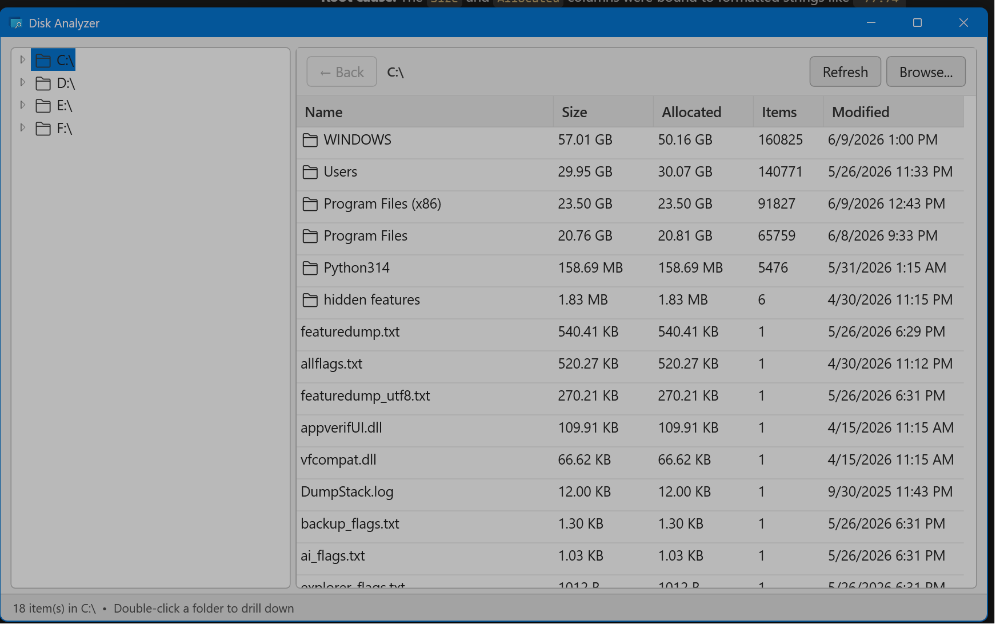
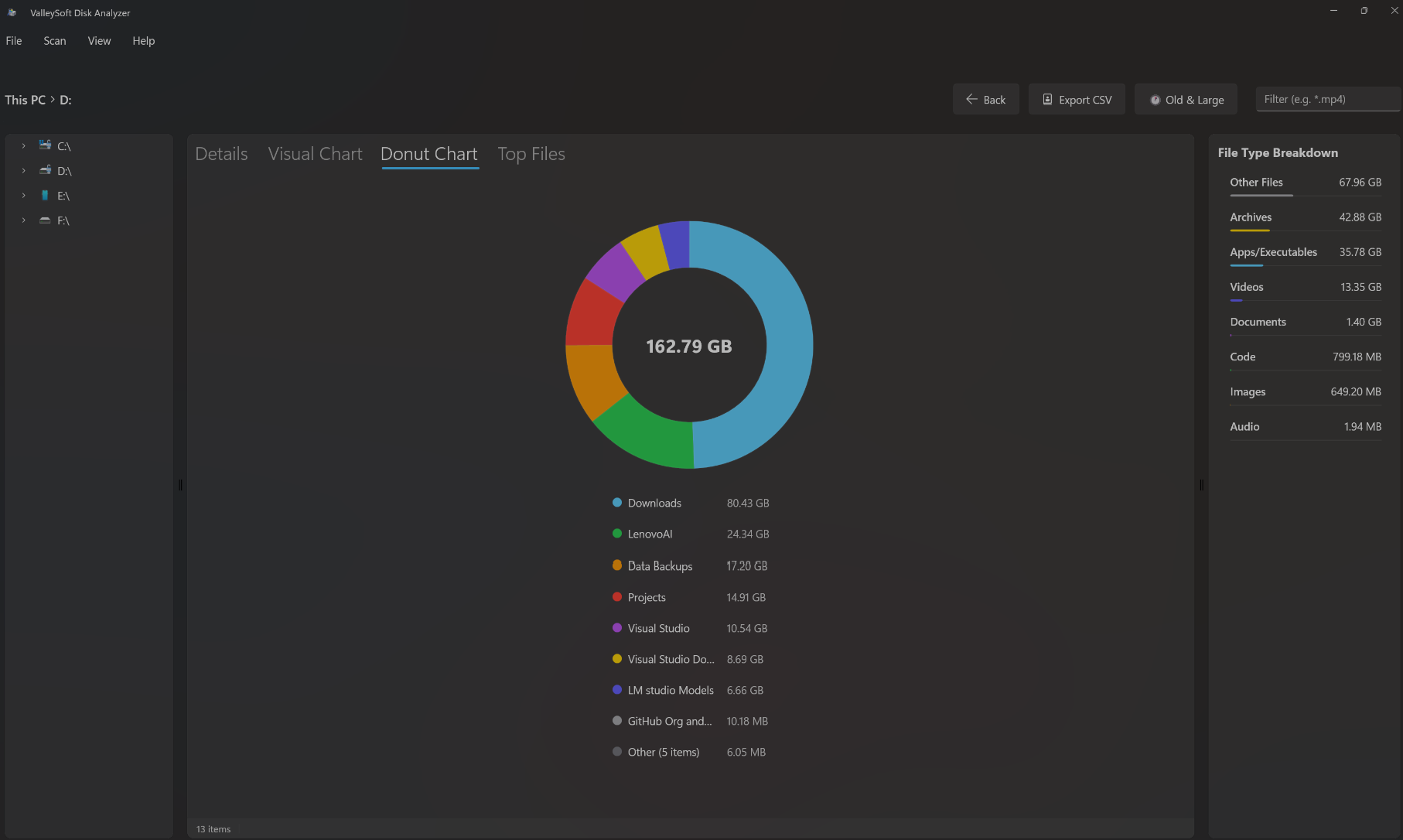
Chart your storage instantly.
Stop reading text and start visualizing. The Standalone App generates crisp, highly responsive charts—including dynamic Donut Charts and interactive Bar Charts—that break down your drive's composition at a single glance.
Store vs. GitHub Versions
Disk Analyzer comes in two distinct standalone packages depending on your system administration needs:
- Microsoft Store Version: Built for standard security environments. It runs with standard permissions and does not include the "Run as Administrator" elevation capability. Once installed, simply launch it directly from your Windows Start Menu.
- GitHub Version: Built for power users. This version explicitly includes "Run as Administrator" capabilities, allowing you to scan heavily restricted system directories and hidden caches. Download this from the GitHub Releases page.
Install via Windows Package Manager
The fastest way to install the Standalone App directly from your terminal.
winget install ValleySoft.DiskAnalyzer
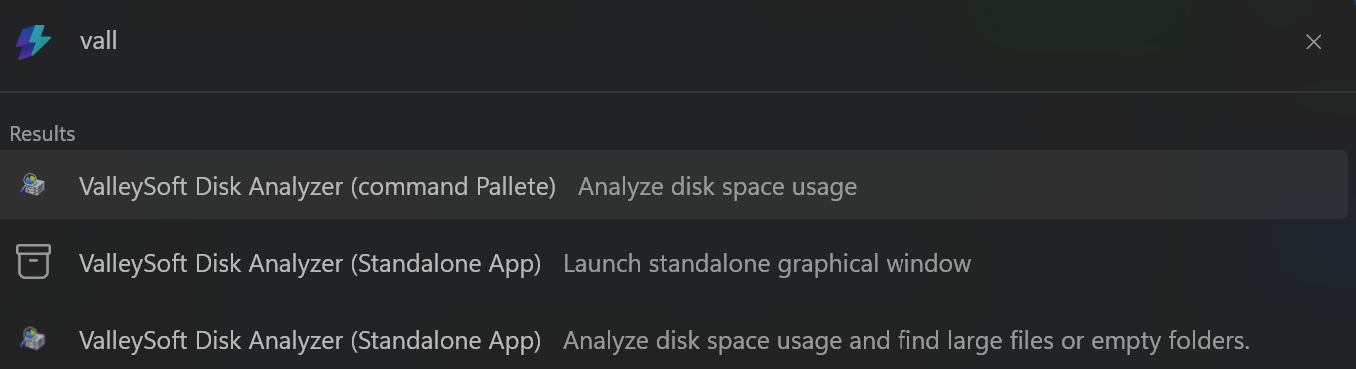
Keyboard-first storage analysis.
Built directly for the new Windows 11 Command Palette. Simply type `>` to invoke Disk Analyzer globally without ever leaving your keyboard.
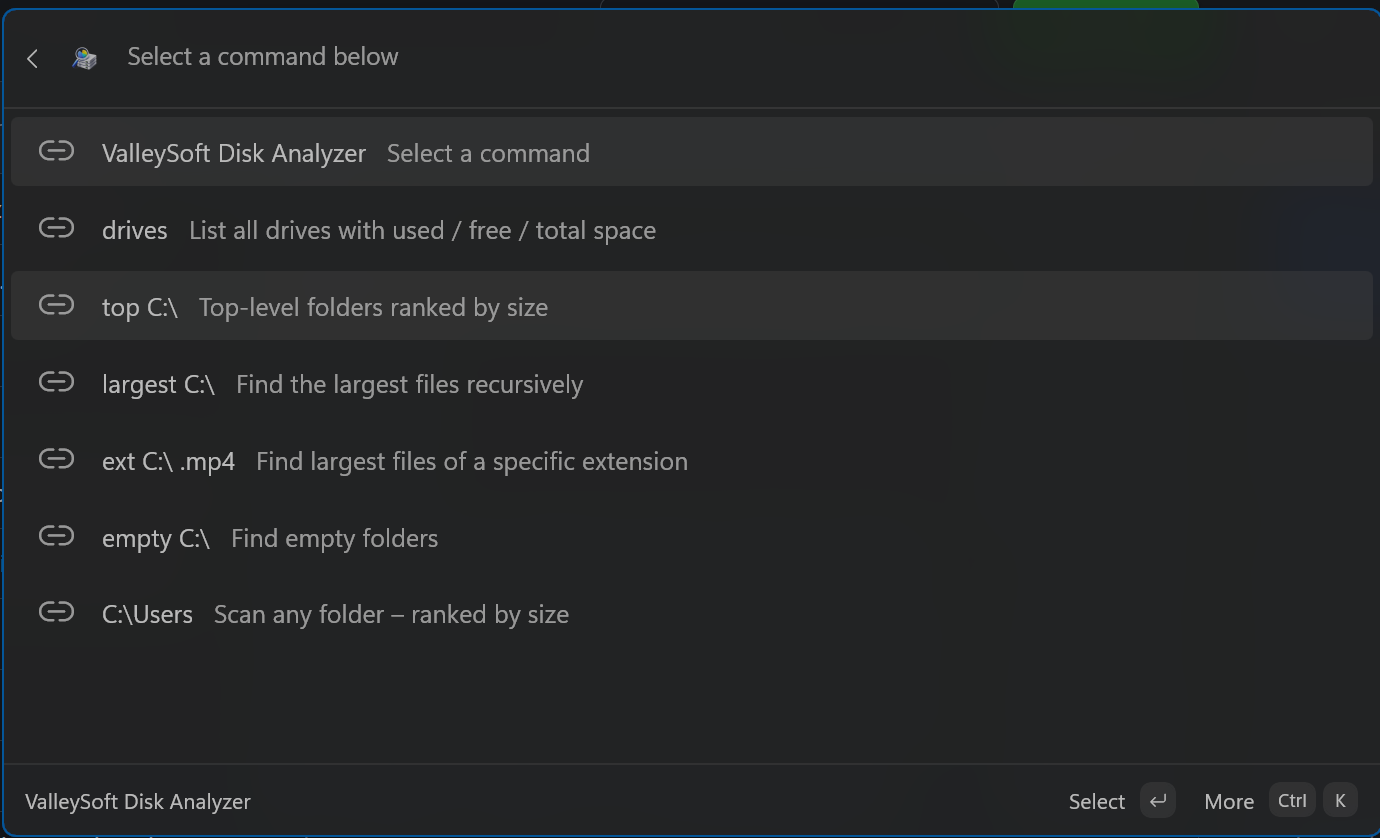
Installation (Command Palette)
The Command Palette extension runs as a background COM Server. You must register it manually.
- Download the latest `DiskAnalyzerExtension.zip` from GitHub Releases.
- Extract the contents to a permanent location (e.g., `C:\Program Files\DiskAnalyzerExtension`).
- Open PowerShell as Administrator in that folder and run:
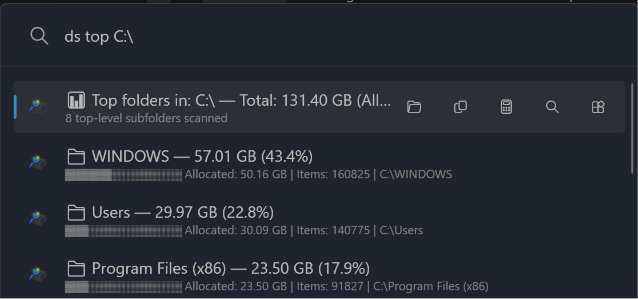
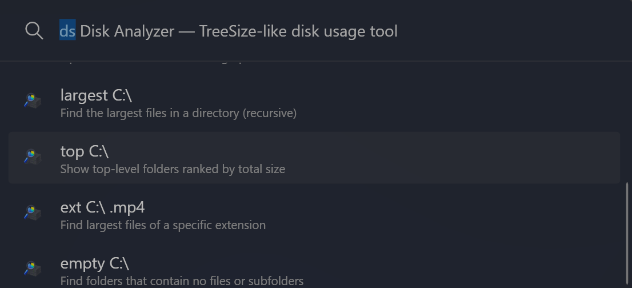
The ultimate PowerToys Run plugin.
If you prefer the classic `Alt + Space` PowerToys Run experience, this plugin drops right in. Filter by size, find empty folders, and drill down directly from the search bar.
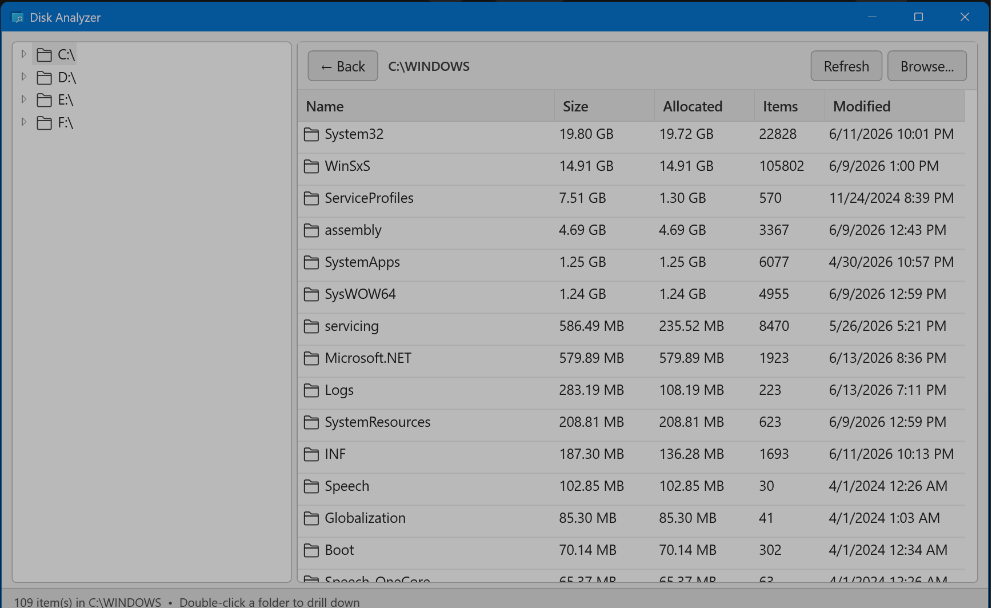
Jump to the GUI anytime.
The PowerToys Run plugin isn't just a search bar tool. It ships with a fully functional embedded GUI that you can launch at any time for deeper graphical analysis.
Installation (PowerToys Run)
Install the plugin directly into your PowerToys local app data directory.
- Download `PowerToysRun-DiskAnalyzer.zip` from GitHub Releases.
- Close PowerToys entirely (right-click the tray icon and select Exit).
- Extract the folder into:
- Start PowerToys and ensure "Disk Analyzer" is enabled in the Run settings.